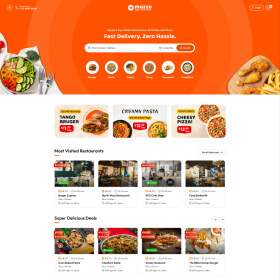
Loading

Logiccook gives your restaurant an online order site and the tools to run it. Here is how an order goes from your customer to your kitchen.
Customers open your page at restaurant.logiccook.com/your-name, choose an outlet, add dishes to the cart and pick a pickup or delivery time.
Payment is by card, Apple Pay or Google Pay through Stripe. The money goes to your own Stripe account if you link one, or is paid out to you by Logiccook.
The order appears on the kitchen, serving and ready boards in your admin and on the in-store tablet, with a sound so nobody misses it. You can print a kitchen ticket and a customer receipt.
Customers collect at the pickup point they chose, or a driver delivers. For delivery you can use your own drivers or book an Uber courier when the order is ready.
Daily, weekly, monthly and yearly sales reports, staff tips and payouts are all in your restaurant admin.